Get started instantly
Perfect on every device


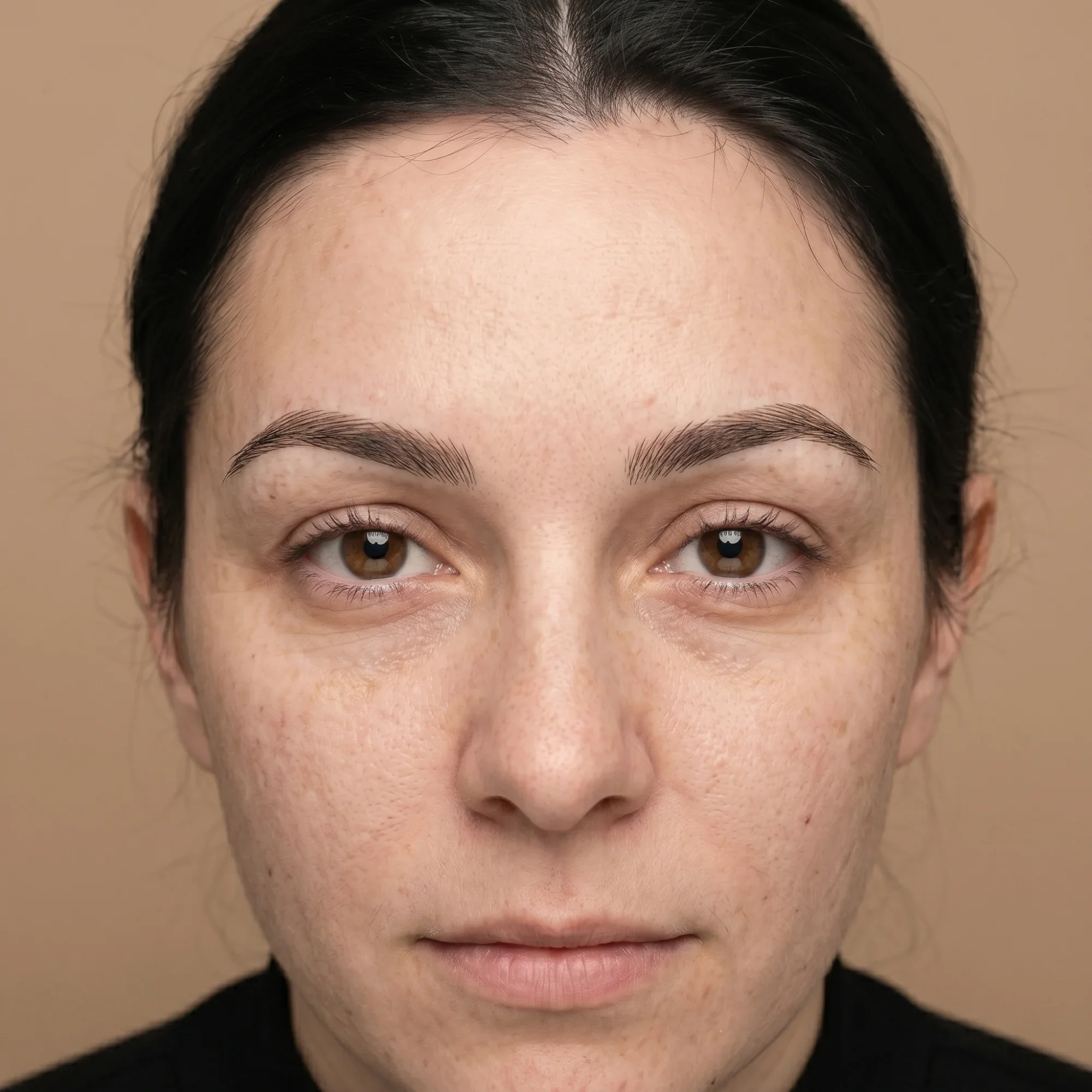
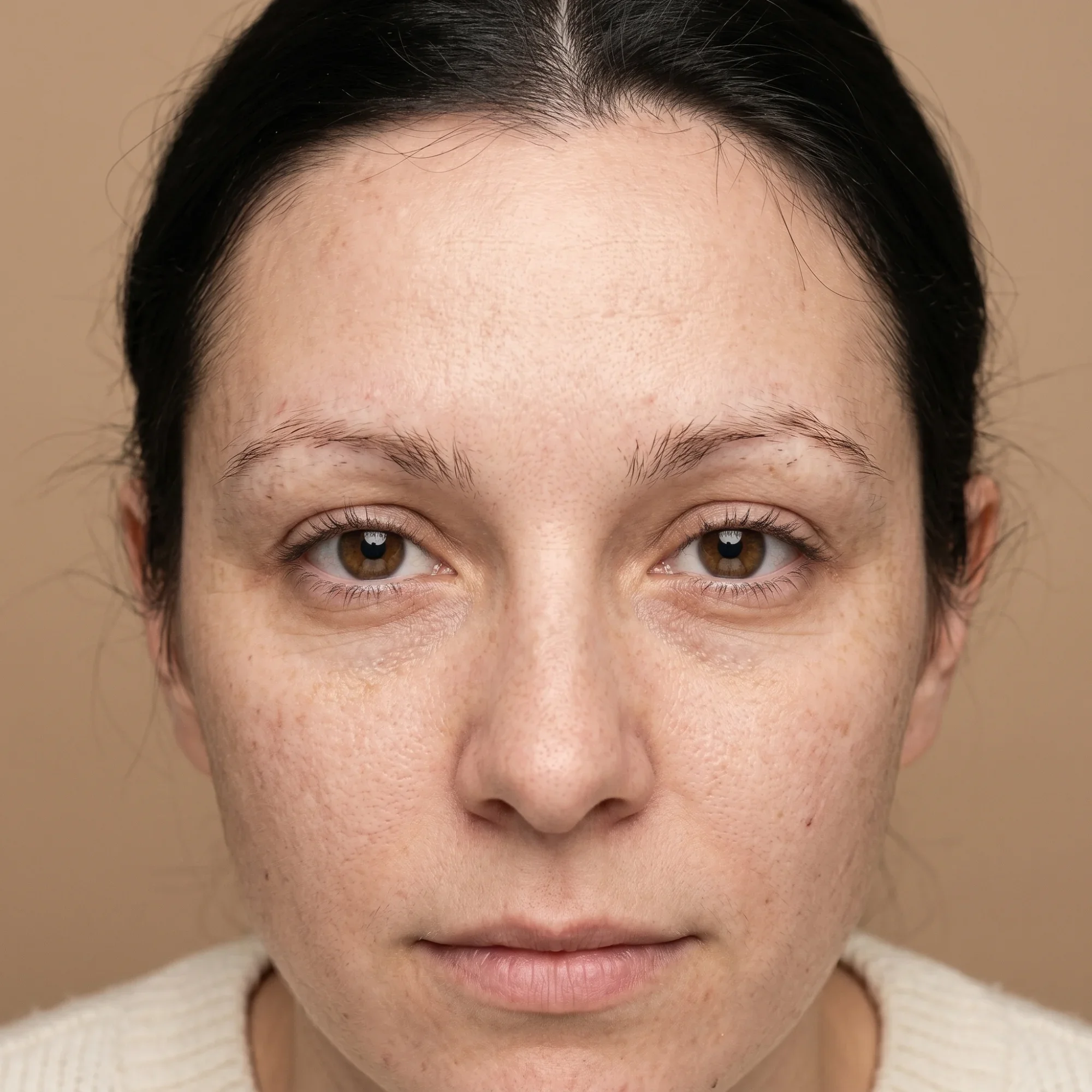
Why product teams use before-and-after sliders to review AI-generated image edits.
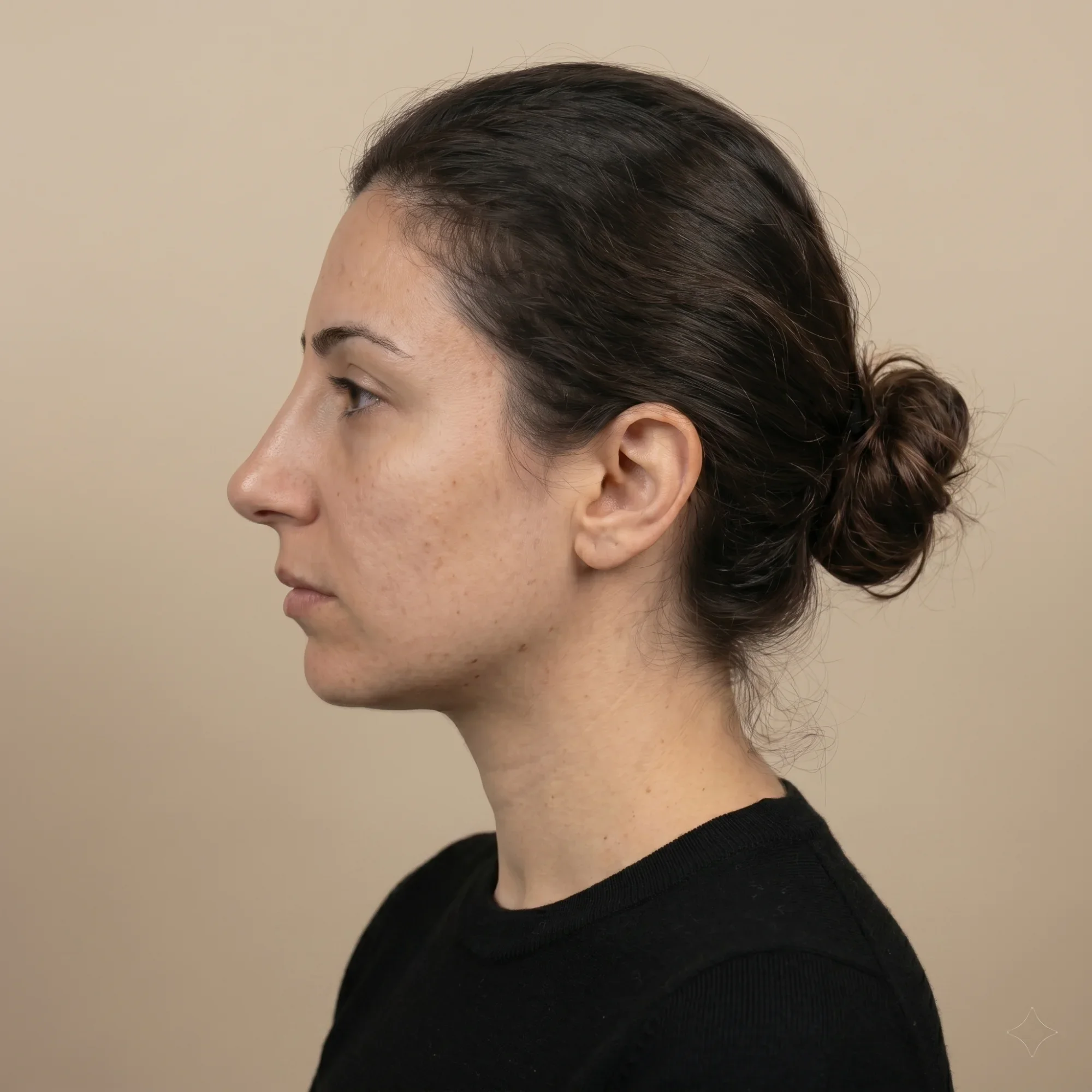
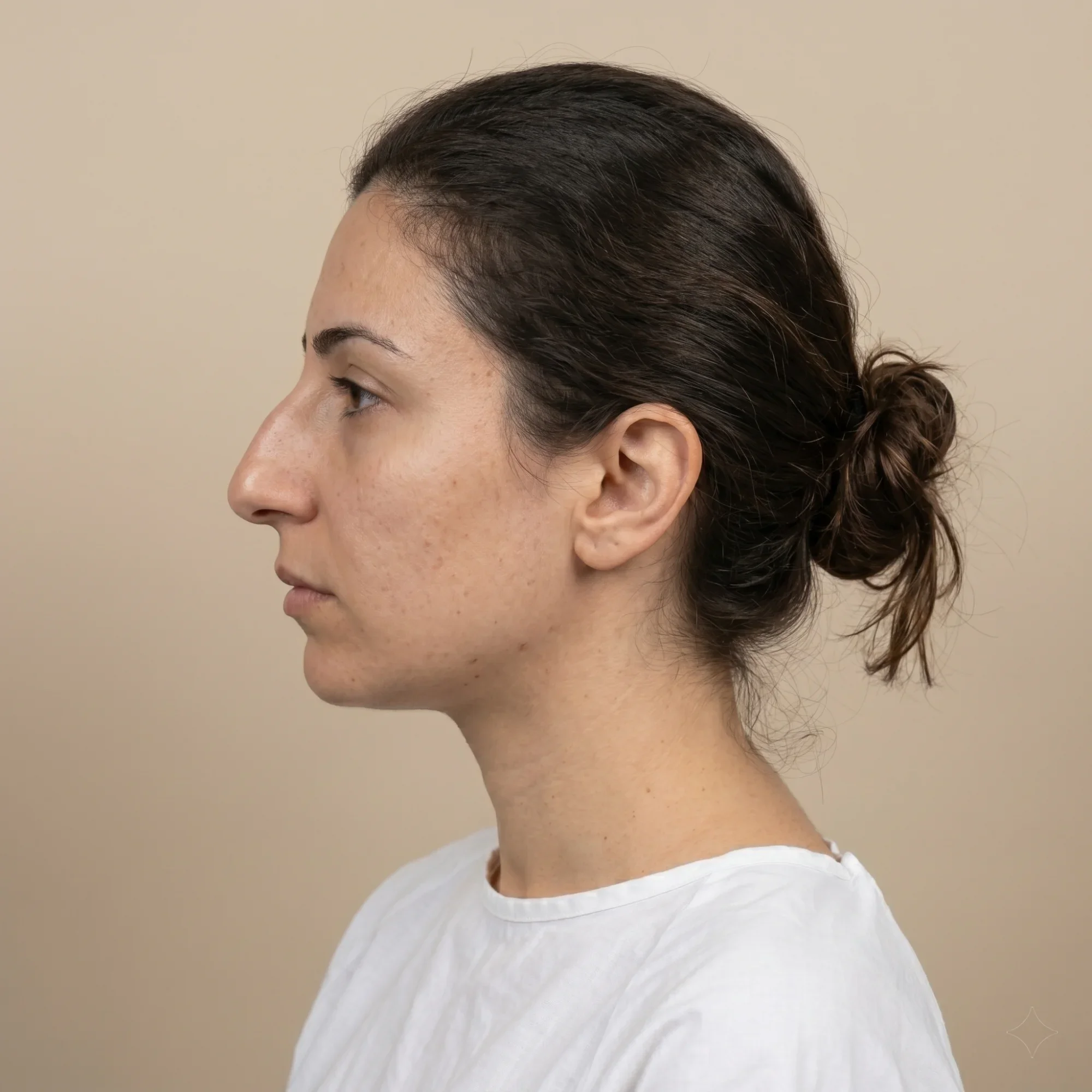
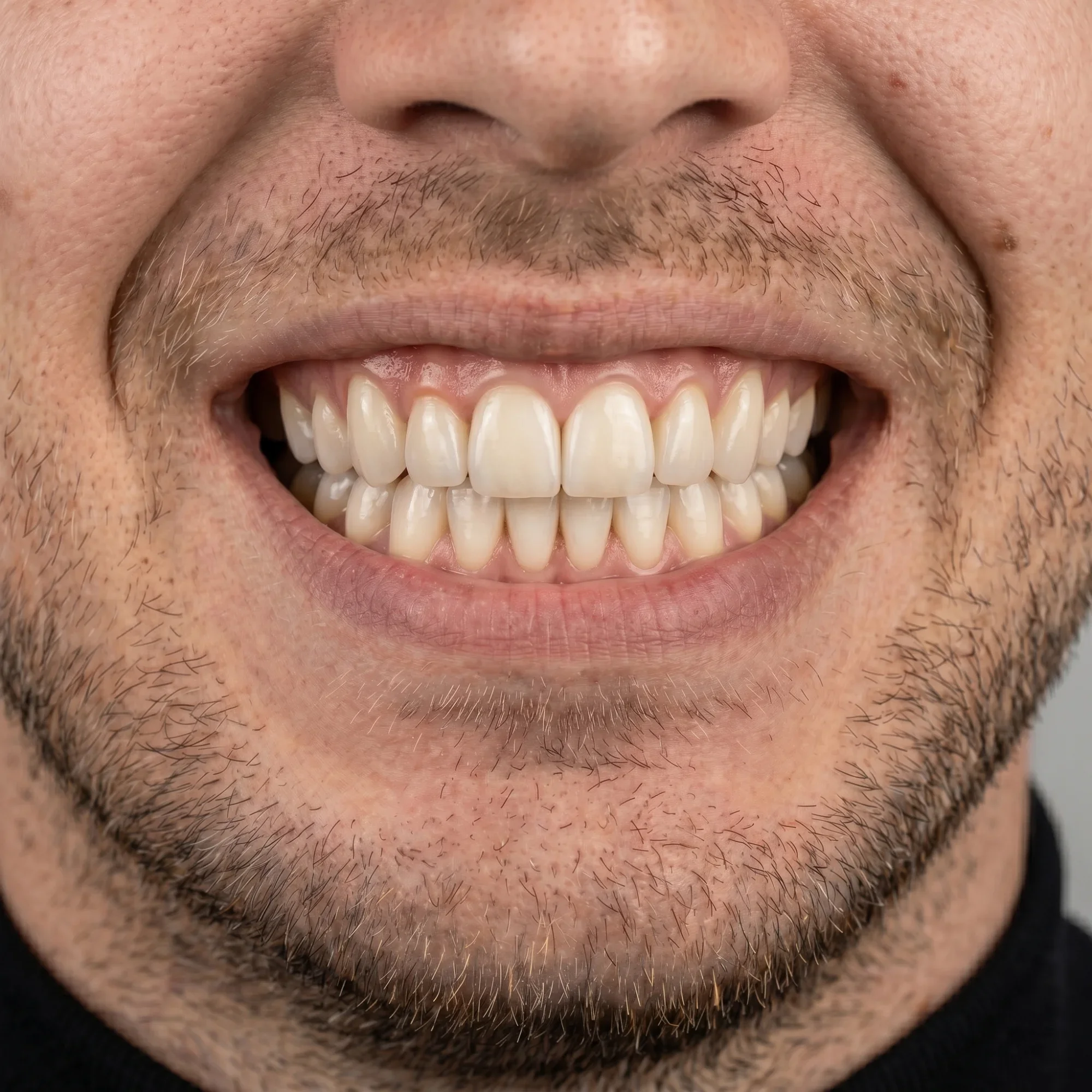
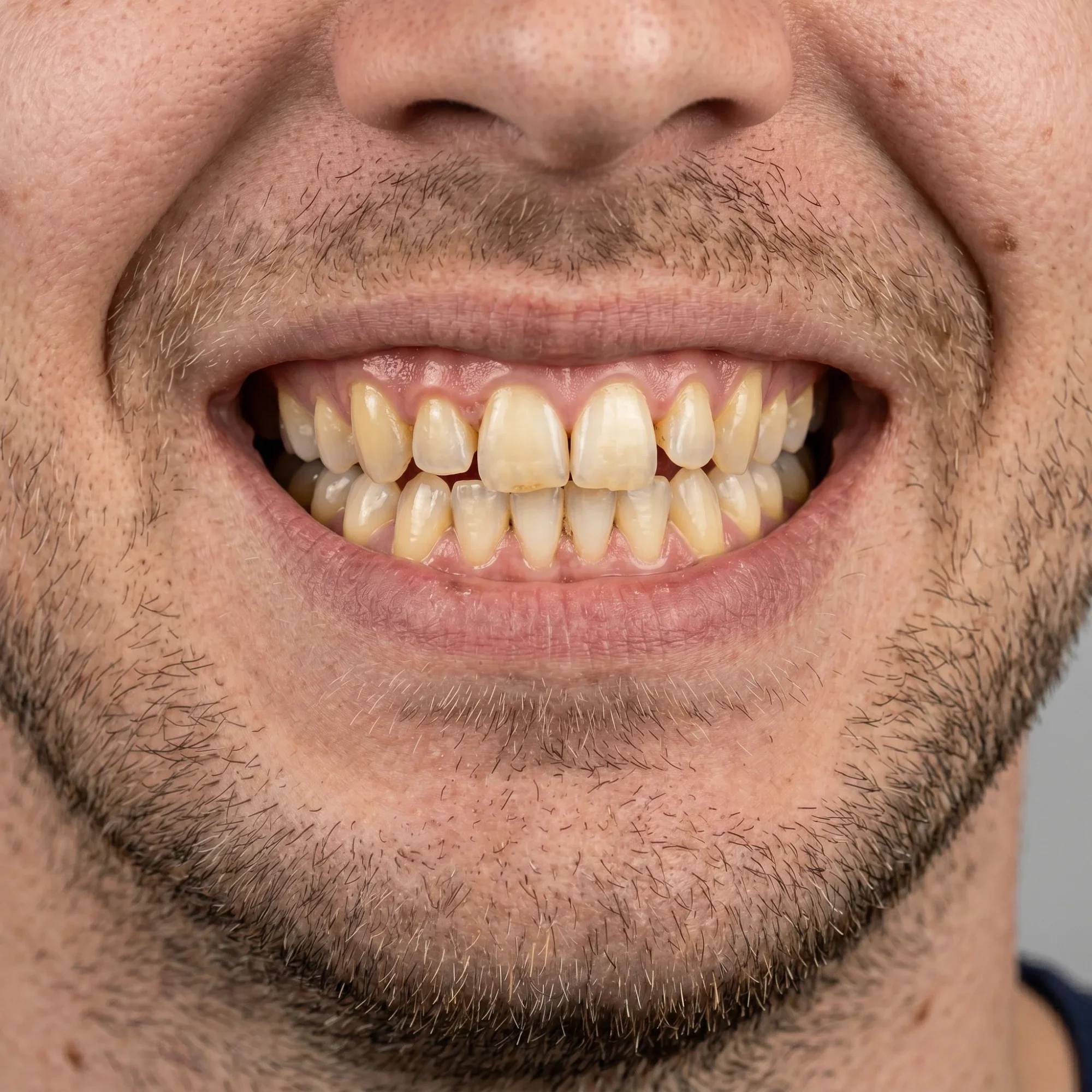
When you share a generative edit via a screenshot in Slack or a Figma comment, you are asking reviewers to hold two images in their head at once, which is a poor way to evaluate a subtle change. A before-and-after link lets them scrub between the original and the output at their own pace, on any device, without needing access to the project file.
It is faster to share, and it embeds directly in a changelog, product doc, or Notion page so the comparison lives alongside the context rather than floating in a message thread that will be lost in a week.